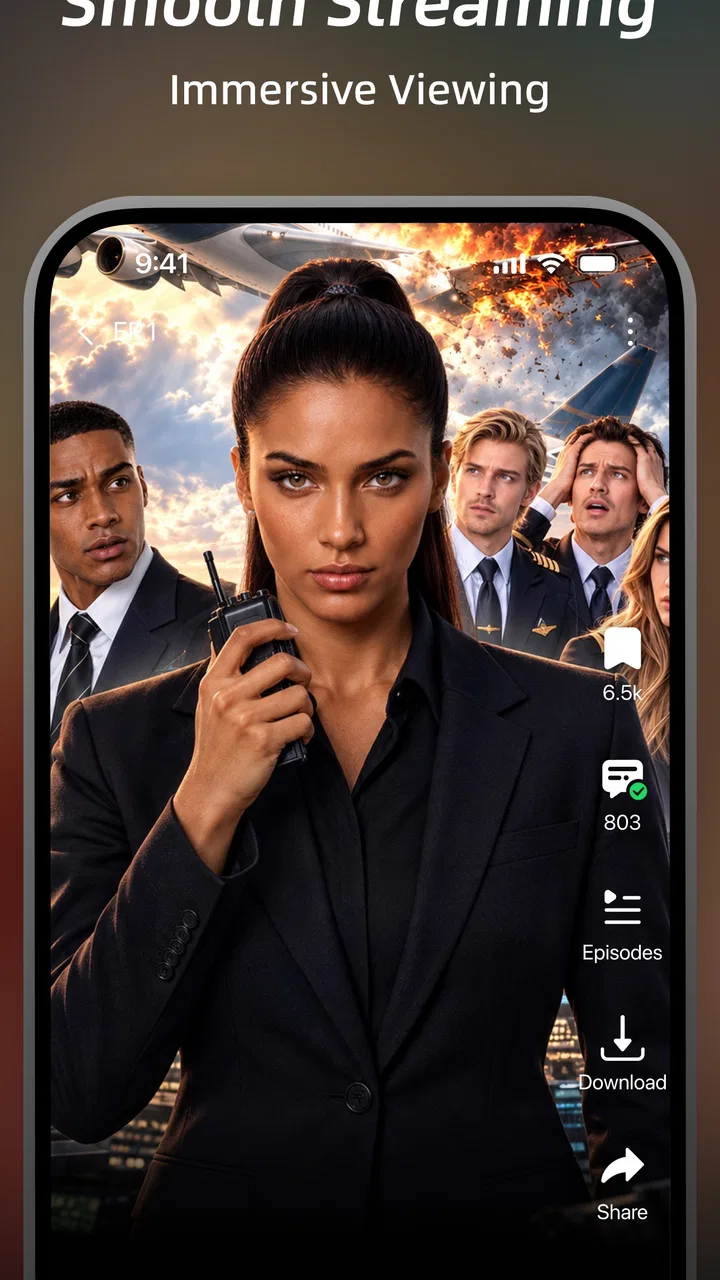
DramaWave - Dramas & Reels
- 4.5
- Rating
- 100.00M
- Installs
- Free
- Price

 Analysis by App-foxy
I approached DramaWave - Dramas & Reels as the sort of entertainment app you open for a quick break and then keep using because one short episode ends with a particularly effective cliffhanger. It brings short-form dramas, reels, and television-style viewing into one place, with the simple appeal of watching whenever you have a few spare minutes. In my experience, that makes it more interesting than a basic feed of disconnected clips, but it also means the app works best when you understand how its viewing flow is organized.
DramaWave is a free entertainment app from SKYWORK AI PTE.LTD. It is rated Teen, runs on Android devices using version 6.0 or later, and has reached more than 50 million installs. Its average score is 4.6 from around 396 thousand ratings, which suggests that the central idea is resonating with a large audience. The app is currently listed as version 1.7.50, while optional purchases range from a few cents to almost two hundred dollars per item. That last point matters: the download costs nothing, but I would still treat any purchase screen carefully rather than assuming every part of the viewing experience is included.
Where the viewing experience can become confusing
The first thing I noticed is that an app built around short dramas has a different rhythm from a conventional streaming service. A normal television app usually asks me to choose a program, select an episode, and settle in. DramaWave encourages faster decisions. I can browse a vertical stream, sample a scene, and move on quickly. That is convenient when I am waiting for an appointment, but it can also make it harder to remember where a story began or which title I intended to continue.
You May Also Like

 Pandora - Music & Podcasts
Pandora’s Music Is Easy to Start, but Harder to Recover
Pandora’s strength is its low-effort path from a seed to a station. Its weak spot is how much confidence it asks you to place in connection, setup, and quiet recovery.

 8 Ball Pool
 Is Built on Rivalries, Rematches, and Routine
A close look at the rivalries, rematches, shared routines, and unanswered safety questions that turn a quick pool match into a persistent mobile community.

 Samsung Music
’s Quiet Strength Is Playing What You Already Own
Its reach comes less from spectacle than from dependable access to a personal library. That simplicity is both the app’s strongest retention engine and its ceiling.

 AccuWeather: Weather Radar
AccuWeather Review: A Quick, Clear Forecast for Everyday Decisions
For everyday plans, the best forecast is the one you can understand quickly. AccuWeather makes rain timing, radar, and local conditions easy to act on, with a few trade-offs.

 Hill Climb Racing
Why Hill Climb Racing Still Turns Crashes Into One More Run
A tiny car, a bumpy hill and one more upgrade: Hill Climb Racing keeps resurfacing because its simple chaos makes every near-miss feel personal.

 AliExpress - Shopping App
AliExpress Makes Global Shopping Feel Personal, but Shoppers Bear the Risk
AliExpress turns a global marketplace into a pocket-sized discovery engine. Its reach is useful, its shopping loop compelling, and its trade-offs easy to miss.
More From Our News Desk
View All News


My practical advice is to pause before tapping through a new series. When a clip catches your attention, identify its title and look for the surrounding episode sequence instead of relying only on the next recommendation. Short-form stories often divide a larger plot into many brief installments, so treating each clip as a complete standalone video can make the narrative feel abrupt. The app is more satisfying when I use the feed to discover a story and the series view to follow it.
Another common sticking point is the difference between watching a preview and continuing a drama. A dramatic opening may be designed to make you curious rather than explain the whole premise. If you are unsure whether a title is worth your time, watch enough to judge the tone, pacing, and acting before committing to a long run of episodes. This small habit saves frustration, especially if you prefer complete, slow-moving stories rather than rapid twists.
The Teen rating is also worth keeping in mind. I would not hand the app to a young child simply because the videos are short or presented in a colorful feed. Parents should make their own decision about whether the available dramas and reels suit the viewer. For adults and older teenagers, the rating is a useful reminder that the catalog is not necessarily designed as children’s entertainment.
Why short episodes change the way you use it
Short episodes are ideal for fragmented time. I can watch during a lunch break, while commuting as a passenger, or before going to sleep without needing to reserve a full hour. The trade-off is that the story may be built around constant momentum. If you prefer a quiet opening, detailed world-building, or long conversations, the format may feel hurried. I found that the app is strongest when I want immediate drama rather than a carefully paced traditional series.
There is also a difference between watching on a phone and watching on a larger screen. The mobile format suits the app’s quick, vertical browsing style, but a compact display can make subtitles, facial expressions, or small interface controls less comfortable. If you are watching for a long stretch, adjust your position and brightness rather than assuming the short format eliminates screen fatigue. A few minutes can easily become much longer when the next episode starts automatically or a cliffhanger keeps pulling you forward.
The best way to use DramaWave is as an intentional short-session viewer, not as an endless background feed. I get more from it when I decide whether I am discovering something new or continuing a particular drama. That distinction keeps browsing from taking over the actual viewing time.
Setup checks that prevent avoidable problems
Installation is straightforward on a compatible Android device because the minimum operating system is Android 6.0. Before blaming the app for a playback or loading issue, I check the basics: the device has enough free storage for normal app operation, the operating system is up to date enough for the device, and the connection is stable. These checks sound obvious, but short-video services can expose weak connectivity quickly because the next clip may need to load immediately.
I also recommend opening the app once on the connection you expect to use most often. A home Wi-Fi network, workplace network, and mobile connection can behave very differently. If the feed loads on one but not another, the problem may be the network rather than DramaWave itself. Testing with a different connection is one of the fastest ways to separate an app issue from a local connection issue.
Because the app is free to install but includes optional purchases, I would review the purchase flow before settling into regular use. Do not tap through a payment prompt simply to remove an interruption or unlock the next part of a story unless you understand what is being offered. The listed range is broad, from $0.09 to $199.99 per item, so the sensible approach is to use the device’s purchase protections and confirm every transaction deliberately.
That advice is especially important if more than one person uses the same phone or tablet. A child borrowing the device, a family member using a shared account, or a forgotten payment setting can turn a casual viewing session into an unwanted charge. I prefer to treat every in-app purchase as a separate decision, even when the app makes the next episode feel urgent.
A simple first-session routine
On a new installation, I would begin by browsing without trying to watch everything that appears. Choose one drama that matches your mood, play a few installments, and then check whether the app makes it easy to return to that title. This tells you more about the practical experience than rapidly sampling dozens of clips. It also gives you a reference point if the feed later becomes difficult to navigate.
Next, test the app at the time and place where you expect to use it. If you plan to watch during a commute, try it while connected to the same kind of mobile network. If it is mainly for evening viewing, check whether the screen brightness and text size remain comfortable. These are not glamorous setup steps, but they help you decide whether the app fits your routine before you invest attention in a long story.
If the app appears slow immediately after installation, I would avoid repeatedly tapping the same control. Give each screen time to respond, then close and reopen the app if necessary. Rapid repeated taps can make it difficult to tell whether a selection is still processing or whether the interface has ignored it. A calm first test usually produces a clearer result.
Recovering your place when a session breaks
Short dramas are particularly vulnerable to interruptions because each episode may end just as the next one becomes important. If playback stops, I first reopen the same title rather than starting a new recommendation. Then I look for the most recent episode or visible continuation point. If the app returns me to the feed, I search through the current recommendations for the title instead of assuming that the story has disappeared.
When a video refuses to play, I use a simple sequence: pause other downloads, switch between Wi-Fi and mobile data if available, close the app, and try again. If only one clip fails while other videos load, the issue may be specific to that item or temporary content delivery rather than the whole installation. If nothing loads, the network or app session becomes a more likely suspect.
Restarting the device is sometimes useful, but I would not make it the first response to every small glitch. Begin with the least disruptive steps so you do not lose the page you were viewing or interrupt another task. If the app continues behaving oddly, checking for an available update is sensible because the installed version may not be the newest one offered for your device.
Clearing app storage can be more disruptive than clearing a temporary cache, where that option is available through Android settings. I would only use stronger reset steps when ordinary reopening and connection checks have failed, because a reset may remove locally retained session information. Before doing that, make sure you know how you will find the drama again. The important principle is to avoid turning a small playback problem into a larger navigation problem.
How I handle accidental detours
The feed is useful for discovery, but it can pull me away from a story I was already following. When that happens, I stop scrolling and return to the title I intended to watch. If I cannot find it immediately, I use whatever in-app browsing route is available rather than opening several unrelated clips and hoping the original returns. This is a small workflow change, yet it prevents the common feeling that the app is controlling the session.
I also avoid judging a drama from a single autoplay excerpt. A short promotional moment may emphasize the loudest argument or biggest surprise. I prefer to watch the beginning of the available sequence and judge whether the characters, dialogue, and pacing work for me. That approach is slower at first but reduces the chance of spending purchase money on a title that looked appealing only because of one intense scene.
If you are watching in a public place, remember that the next recommendation may not match the tone of the clip you just finished. I keep the volume low or use headphones and glance at the screen before letting the next item play. This is practical rather than technical, but it matters with an entertainment feed that can move quickly between different dramas and reels.
When the app is not the real cause
Not every interruption points to a software defect. A weak signal, crowded Wi-Fi, aggressive battery management, low available storage, or an older device can all affect a video app. Since DramaWave supports Android 6.0 and later, compatibility with the operating system does not guarantee identical performance on every phone. Hardware age, background activity, and network conditions still shape how smoothly the app feels.
Battery-saving settings deserve particular attention. If the system restricts background activity or closes apps quickly, returning to a drama may take longer or reload the previous screen. I would test the app with ordinary battery settings before changing anything advanced. If the problem disappears when the device is charging or when other demanding apps are closed, the phone’s resource limits are probably part of the explanation.
Storage can create a similar illusion. Even when I am not deliberately saving videos, a nearly full device may behave poorly across several apps. Removing unused downloads, photos, or old applications can improve the overall phone experience and is safer than repeatedly reinstalling DramaWave. Reinstallation is a last resort for me because it consumes time without proving that the original problem came from the app.
Network restrictions can also be easy to overlook. A workplace, school, hotel, or public Wi-Fi service may limit video traffic or require a browser sign-in. If the app works normally on another connection, I would speak to the network provider or administrator rather than changing random phone settings. This distinction is useful because it prevents a user from weakening security or privacy controls to solve a problem outside the app.
Who will enjoy it most
I think DramaWave suits viewers who like quick emotional hooks, compact episodes, and the freedom to watch without planning an entire evening. It is a good match for someone who enjoys discovering a story through a feed and wants television-style drama in smaller portions. It can also work for people who have irregular schedules and would rather watch several short installments than stop halfway through a long episode.
It is less suitable for viewers who want a carefully organized library, detailed control over every viewing setting, or a calm, uninterrupted cinematic experience. If your priority is a large-screen setup, traditional season structure, or a catalog you can browse slowly, a conventional streaming service may feel more comfortable. DramaWave’s appeal comes from immediacy, and that same immediacy can feel distracting if you dislike recommendation-led browsing.
I would also skip it if you are uncomfortable with optional purchases appearing during entertainment. The free entry point is attractive, but the presence of items priced as high as $199.99 means that families and casual users should establish purchase boundaries before watching. Someone looking for completely predictable costs may prefer a service with a subscription model that is easier to understand at a glance.
My practical verdict after using it
DramaWave has a clear identity: it turns dramas and reels into a fast, mobile-first entertainment habit. I like the way a spare five minutes can become a complete viewing session, and I appreciate that the short format lowers the commitment needed to try a new story. The large audience, reflected in over 50 million installs and a 4.6 average rating, shows that this approach has broad appeal.
Still, I would not describe it as a replacement for every other streaming option. Its feed can encourage aimless scrolling, short installments may make stories feel rushed, and purchase prompts require attention. The best results come from choosing a title intentionally, checking your connection before a long session, and treating every payment screen as something to review rather than something to dismiss quickly.
For a realistic everyday use, imagine having twenty minutes before leaving home. I would open the app, continue one drama instead of browsing indefinitely, watch a few episodes, and stop at a natural point rather than letting the feed decide what comes next. If playback stutters, I would test the connection before reinstalling anything. If a purchase appears, I would close it unless I had already decided that the title was worth paying for. That routine keeps the experience enjoyable and controlled.
My recommendation is therefore positive but specific. Try it if you enjoy dramatic short-form storytelling and want a free app for flexible mobile viewing. Approach it more cautiously if you need a children’s catalog, dislike cliffhanger-driven pacing, or want all viewing costs to be obvious from the beginning. In my experience, DramaWave works best when you use its feed for discovery but keep control of your own watchlist, time, connection, and spending.
FAQs for DramaWave - Dramas & Reels
01What features does DramaWave offer for drama enthusiasts?
DramaWave provides an extensive library of popular dramas and reels, with options to stream in high quality. Users can create personalized playlists, receive recommendations based on viewing habits, and download content for offline viewing. The app also features subtitles in multiple languages, enhancing accessibility and enjoyment for global audiences.
02Is DramaWave available for both Android and iOS devices?
Yes, DramaWave is available for both Android and iOS platforms. Users can download the app from the Google Play Store or the Apple App Store, ensuring compatibility with a wide range of smartphones and tablets. Regular updates ensure that the app functions smoothly on all devices.
03Does DramaWave require a subscription to access content?
DramaWave offers both free and premium subscription options. While free users can access a limited selection of content with ads, premium subscribers enjoy an ad-free experience with full access to the entire library. Subscription plans are flexible, with monthly and annual options to suit different budgets.
04How does DramaWave ensure content quality and safety?
DramaWave partners with reputable content providers to ensure high-quality video streaming and a wide range of licensed dramas. The app is regularly updated to fix any bugs and improve security features. Additionally, it adheres to strict privacy policies, ensuring user data is kept safe and confidential.
05What are the main pros and cons of using DramaWave?
Pros of DramaWave include a vast selection of dramas, high-quality streaming, and user-friendly interface. Personalized recommendations enhance the viewing experience. However, some users may find the premium subscription cost to be a downside. Additionally, the app requires a stable internet connection for optimal performance, which might not be ideal for all users.
Pros
- Extensive library of popular dramas.
- High-quality streaming without buffering.
- User-friendly interface and navigation.
- Offline download feature available.
- Regularly updated with new content.
Cons
- Contains frequent ads during viewing.
- Requires subscription for full access.
- Limited subtitle options for some shows.
- Occasional app crashes reported.
- Not all content available in HD.

DramaWave - Dramas & Reels
Gallery